

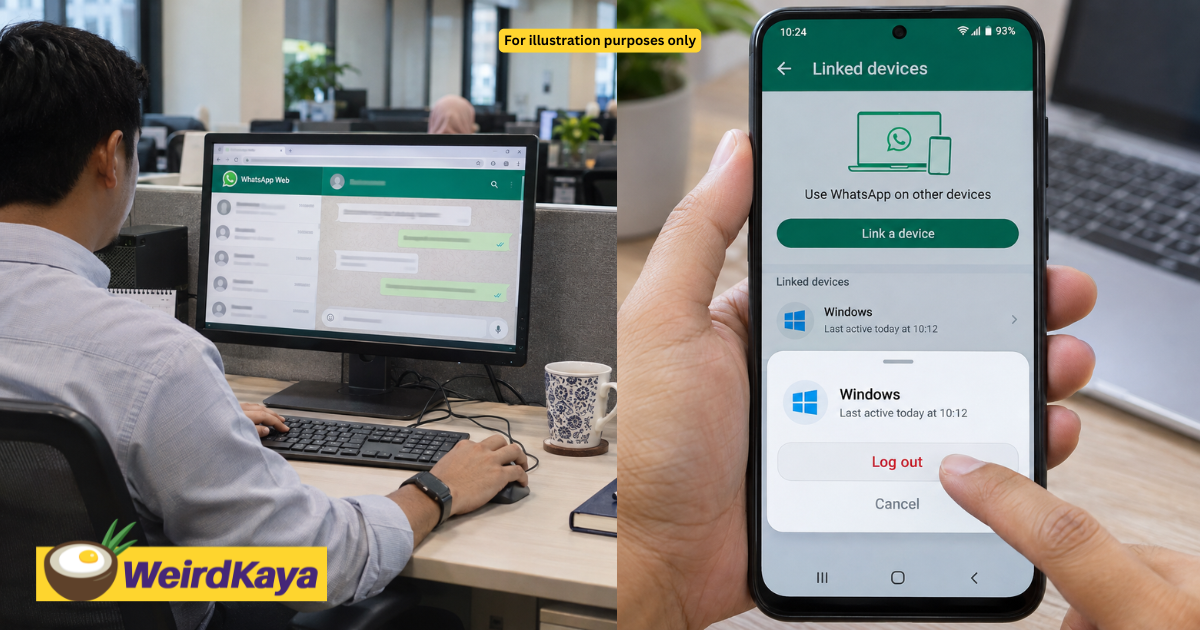
Already opened and run a suspicious file sent through WhatsApp on your laptop? A Threads user, @afwzn, has shared what affected users can do next.
The attachments shown in his post were ZIP files disguised as invoices or financial documents, with messages asking recipients to open them on a computer.
Step 1: Log out of linked WhatsApp devices

Using WhatsApp on your phone, go to Linked devices and log out of all connected computers.
This was the first step recommended by @afwzn for users who had already run the suspicious file.
Step 2: Review your WhatsApp security settings
He also advised users to enable available account protections, including two-step verification, and review their recovery email and security notifications.
Step 3: Get the affected computer checked

According to the poster, deleting the original attachment after running it may not remove malware already installed on the computer.
He shared a GitHub tool that he claimed could detect and remove the threat without formatting the device.
The tool has not been independently verified for this article. Get help from your IT team or a trusted cybersecurity professional before running unfamiliar administrator commands.
For those who found the written instructions difficult to follow, @afwzn also shared a video tutorial demonstrating the process on Windows.
He said the walkthrough was intended to make the steps easier to understand for users struggling with his GitHub guide.
View on Threads
Step 4: Don’t assume everything is fine because nothing happened
@afwzn claimed the malware could steal saved passwords and WhatsApp session information while remaining quiet in the background.
He also described a case where suspicious ZIP files only began being sent to contacts almost a month later.
Only downloaded the ZIP file?

The poster distinguished downloading the attachment from running the program inside it.
When a commenter said they had only opened the ZIP without running its executable, he advised them to delete it promptly.
He clarified that the particular malware he examined targeted Windows PCs and laptops. This does not mean suspicious attachments are automatically safe on other devices.
If an unexpected “invoice” lands in your WhatsApp, verify it with the sender before opening it, even if it comes from someone you know.